

Our Verdict
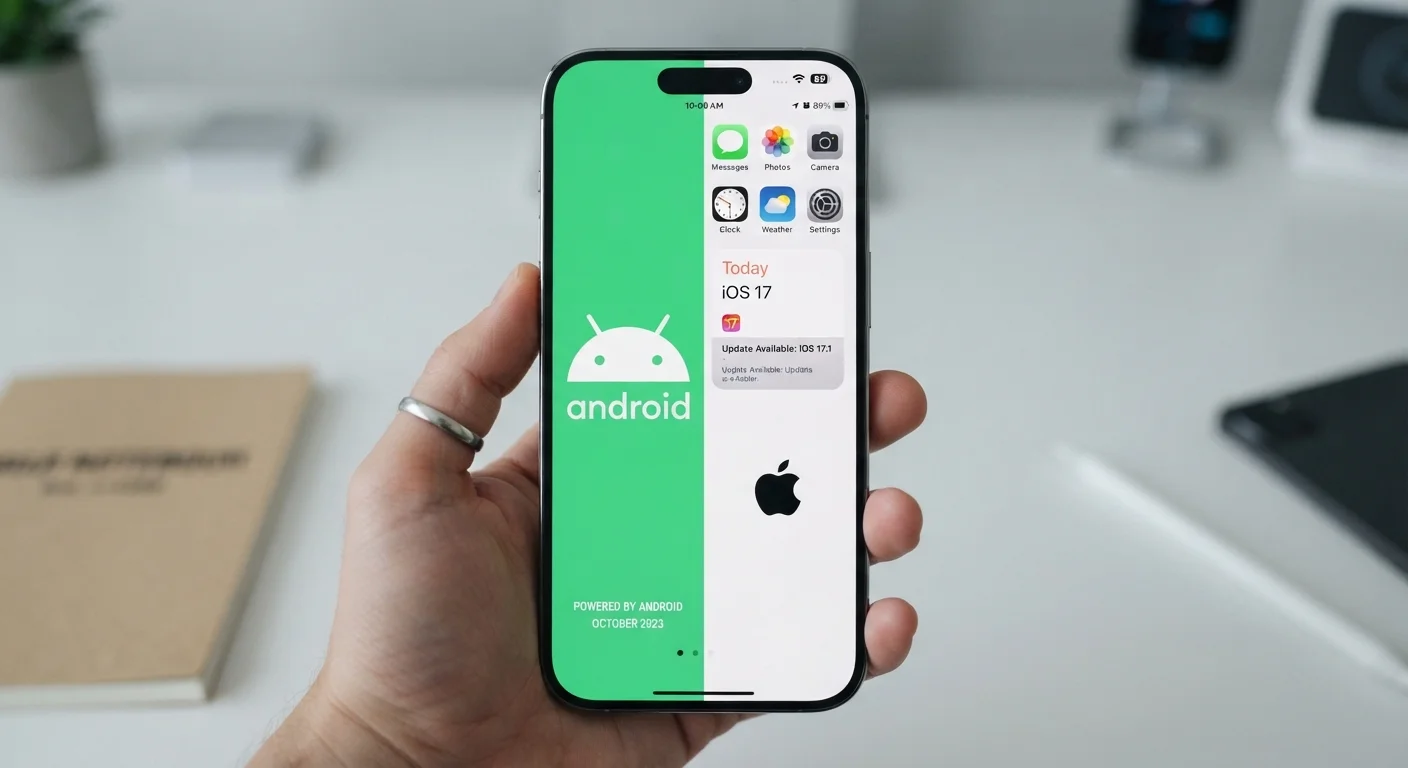
Neither Android nor iOS is universally superior — the right choice depends on how much control and flexibility you want versus how much you value a streamlined, tightly managed experience. Android rewards users who want customization and openness; iOS suits those who prefer consistency and stricter app oversight. Understanding each ecosystem's rules helps you navigate apps more safely and confidently on either platform.
| Best for | Recommended |
|---|---|
| Users who want flexibility, customization, and open-source options | Android |
| Users who prioritize a uniform experience and strict app vetting | iOS |
| Users deeply invested in other Apple devices and services | iOS |
| Users who want broader hardware choices across price ranges | Android |
How Each Platform Controls Its App Store
The most fundamental difference between Android and iOS lies in how each company governs what reaches your phone. Apple operates the App Store as the sole official source for iOS apps. Every submission goes through a human and automated review process before it becomes available — a model designed to catch malware, privacy violations, and misleading functionality. This gatekeeping means fewer apps overall, but a more consistently reviewed catalog.
Google's Play Store also reviews apps before listing them, but Android's architecture allows something iOS traditionally has not: sideloading. Sideloading means installing an app file (called an APK) directly, bypassing the official store entirely. This gives technically confident users more flexibility — but it also shifts responsibility for vetting squarely onto the user. Malicious actors frequently distribute tampered APKs through unofficial channels, so sideloading carries real risk if you're not cautious.
Always run through a careful check before installing any app, regardless of platform. Our pre-install checklist walks through what to look for before you tap "Install."
| Feature | Android | iOS | |
|---|---|---|---|
| App source | Play Store + sideloading allowed | App Store only (by default) | |
| App review strictness | Moderate — automated + human review | Stricter — more rigorous human review | |
| Customization | High — launchers, widgets, defaults | Moderate — improving with newer iOS versions | |
| OS update delivery | Fragmented — varies by manufacturer | Simultaneous across all supported devices | |
| Long-term device support | Varies widely by manufacturer | Typically 5–6 years per device | |
| Cross-app tracking controls | Improving; less restrictive historically | Opt-in required via ATT framework | |
| Hardware variety | Wide range across many price points | Limited to Apple-manufactured devices |
App Availability and Developer Priorities
Both platforms host millions of apps, but availability isn't perfectly symmetrical. Historically, major apps have launched on iOS first — partly because iOS users tend to spend more on in-app purchases, making the platform financially attractive to developers. That gap has narrowed significantly, and most mainstream apps now appear on both platforms simultaneously.
Where differences persist is in niche and regional apps. Some utilities, indie tools, and region-specific services appear exclusively on one platform. Similarly, app quality can vary: the iOS and Android versions of the same app are sometimes built and maintained by separate teams, meaning features, update timing, and stability may differ between them.
It's also worth knowing that star ratings don't always reflect actual app quality. App store ratings can be misleading — shaped by review-prompt timing and platform incentives rather than purely user satisfaction.
Check Platform Availability Before You Commit
If a specific app is central to your workflow or daily routine, verify it's available — and well-maintained — on your platform before switching devices. Look at the app's update history and user reviews on each store separately, since quality can differ. A quick search for "[app name] Android vs. iOS" often surfaces known differences between versions.
Privacy, Permissions, and Data Practices
Both Android and iOS now offer granular permission controls — you can grant or deny access to your camera, microphone, location, and contacts on an app-by-app basis. However, the implementation differs in meaningful ways.
Apple introduced its App Tracking Transparency (ATT) framework, which requires apps to ask permission before tracking your activity across other apps and websites. Android's approach to cross-app tracking has historically been less restrictive, though Google has been developing its own privacy-preserving alternatives.
On both platforms, free apps frequently monetize user data rather than charging upfront. Understanding this trade-off matters regardless of which phone you carry. Our article on the privacy trade-offs of free apps breaks down what that exchange actually looks like.
~72%
Global smartphone OS market share held by Android
According to StatCounter's global mobile OS data, Android consistently holds the largest worldwide share, though iOS leads in the U.S.
~90%
iOS users on latest or recent OS version
Apple has reported that a large majority of active iPhones run a recent iOS version, reflecting its unified update delivery model.
Updates, Security Patches, and Long-Term Support
iOS updates roll out simultaneously to all supported devices, and Apple typically supports devices for five to six years. This uniformity means the vast majority of iPhone users are running a current or near-current OS version at any given time — a significant security advantage.
Android's update landscape is more fragmented. Because Android runs on hardware from dozens of manufacturers, OS updates must pass through each manufacturer (and sometimes carriers) before reaching your device. Some Android phones receive prompt updates; others lag by months or never receive certain releases. When choosing an Android device, checking the manufacturer's stated update commitment is worth doing.
Regardless of platform, skipping app updates is risky. App updates do more than add features — they frequently deliver security patches that close known vulnerabilities.
Over time, an unchecked collection of apps on either platform can create security gaps and slow your device. Periodically auditing what's installed is good hygiene. See our guide to managing digital clutter for a practical process to decide what stays and what goes.
The content on this site is for informational purposes only and is not a substitute for professional advice. Always consult a qualified professional for guidance specific to your situation.