

Summary
18 items · 10–20 minutes per app
Why the Download Decision Deserves a Pause
App stores host millions of titles. Many are legitimate and useful; others collect far more data than their core function requires, and some are outright malicious. The problem is that the icon, description, and star rating on a store listing tell you almost nothing about what an app actually does once installed.
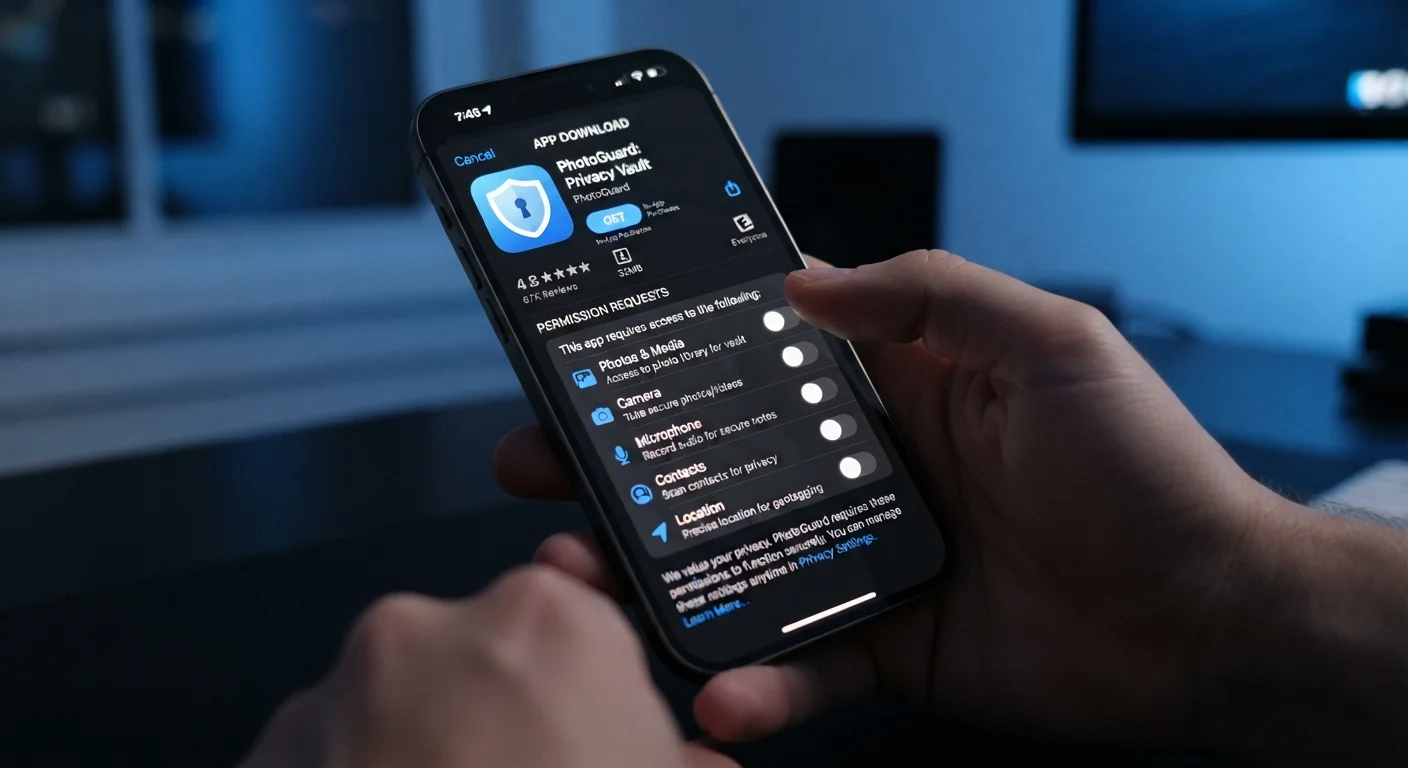
This checklist gives you a consistent process to run before tapping "Install" — whether you're adding a productivity tool, a game, a financial tracker, or anything in between. It applies equally to mobile apps on iOS and Android and to desktop software downloads. Running through it takes 10–20 minutes and can save you significant trouble later.
Once you've built your app library thoughtfully, the next challenge is keeping it tidy. Our guide on auditing the apps on your devices walks you through deciding what to keep, archive, or remove.
Developer & Source Verification
Permissions Review
Privacy Policy & Data Practices
Reviews, Ratings & Update History
Alternatives & Necessity Check
Tools That Make This Process Easier
You don't need specialized software to complete this checklist — most checks rely on information already available in app stores, search engines, and the apps' own documentation. That said, a few resources make the process more efficient.
App Store / Google Play listing page
Provides permissions list, privacy nutrition labels, developer information, and user reviews in one place.
Web search engine
Used to research developer reputation, look up reported incidents, and find independent coverage of the app.
Exodus Privacy (Android)
A publicly accessible tool that analyzes Android APKs for trackers and permissions beyond what the store listing shows.
App's official privacy policy URL
The authoritative document describing how the app collects, uses, and shares your personal data.
Beyond the install decision itself, understanding what you're agreeing to with free apps is worth your time. Our piece on the privacy trade-offs built into free apps explains how data collection, ad targeting, and profiling work in practice.
After installation, staying on top of updates is equally important — they carry security patches that protect against newly discovered vulnerabilities. See everything you need to know about app updates for a full breakdown of what happens when you update (and what's at risk when you don't).
Sideloading Apps Carries Elevated Risk
Installing apps from outside official stores — a practice called sideloading — bypasses the security review processes those stores apply, however imperfect those reviews may be. If you do sideload on Android, only use sources you can independently verify as legitimate, such as a well-known open-source project's official site. On iOS, sideloading outside of Apple's TestFlight program is significantly restricted for this reason.
For a broader look at your overall digital security posture, the annual digital security audit checklist covers passwords, permissions, and account security in one comprehensive review.
The content on this site is for informational purposes only and is not a substitute for professional advice. Always consult a qualified professional for guidance specific to your situation.