

Summary
22 items · 30–60 minutes
Why the Gadget Drawer Deserves Attention
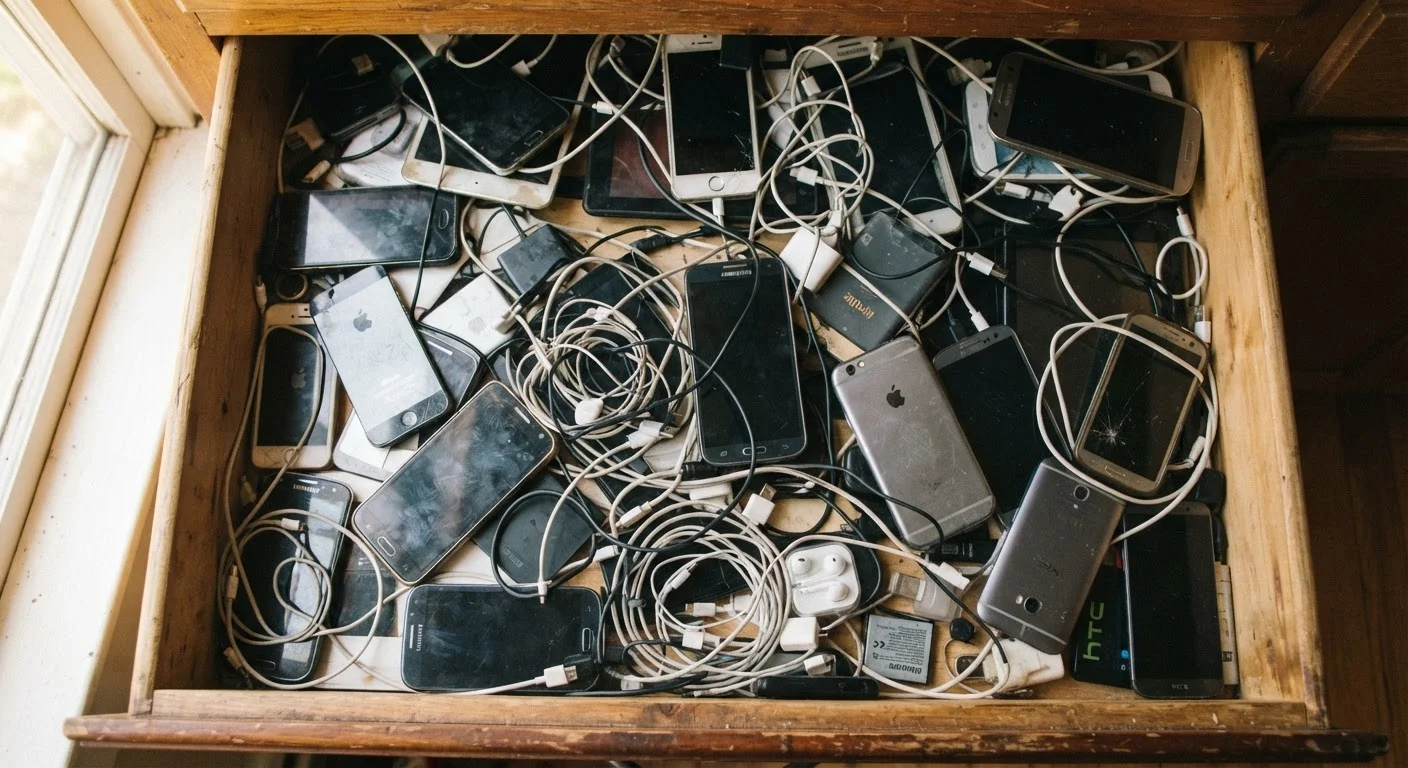
Old smartphones, forgotten tablets, a tangle of chargers for devices you no longer own — most households have at least one drawer dedicated to electronics limbo. It feels easier to ignore than to deal with, but leaving old devices unaddressed creates real problems: cluttered storage, idle value you could recover, and genuine data security risks sitting in a junk drawer.
This checklist walks you through assessing every device methodically — deciding what's worth keeping, what can be passed on, and how to dispose of the rest responsibly. Think of it as a gadget version of a closet audit. (If you've already tackled your wardrobe, the logic is similar: see the wardrobe audit checklist for a comparable framework.)
Before diving in, gather everything into one place. You can't assess what you can't see. Pull out phones, tablets, e-readers, earbuds, smart speakers, cables, and any other consumer electronics that have fallen out of regular use.
Cloud Storage Account
Back up photos, contacts, and app data from old devices before wiping them.
Device's Built-in Settings Menu
Access factory reset and account sign-out options without needing third-party software.
E-Waste Locator (e.g., Earth911 or your municipality's recycling site)
Find certified drop-off points for old electronics and batteries near you.
Small Label Maker or Sticky Notes
Tag sorted piles (keep, donate, recycle) so you don't mix them up mid-audit.
A Working USB Cable and Power Adapter
Charge and power on each device for testing during the inventory step.
The Full Gadget Audit Checklist
Work through these groups in order. The first two groups apply to every device; later groups apply only to devices you've decided to pass on or discard.
Step 1 — Inventory and Initial Assessment
Step 2 — Data Backup Before Anything Else
Step 3 — Decide: Keep, Donate, Recycle, or Discard
Step 4 — Secure Data Erasure Before Letting a Device Go
Step 5 — Handle Accessories and Cables
Never Toss Lithium Batteries in the Trash
Phones, tablets, and earbuds all contain lithium-ion batteries, which are a fire hazard in landfills and prohibited from regular household waste in many states. A visibly swollen or puffed-up battery is especially dangerous — do not puncture, compress, or attempt to remove it yourself. Bring the entire device to a certified e-waste recycler or a retailer with a take-back program.
What to Do After the Audit
Once you've sorted devices into keep, donate, recycle, and discard piles, a few practical next steps will finish the job cleanly.
For devices you're keeping: Store them in a labeled container with their cables. A device kept as a backup should be charged to around 50% and powered off — lithium-ion batteries degrade faster when stored fully depleted. For tips on how charging habits affect battery health over time, see common myths about charging your phone overnight.
For devices you're passing on: Confirm the factory reset completed fully before handing anything off. If you're setting up a replacement device and need to move your data over first, setting up a new smartphone without losing your old data covers the transfer process step by step for both Android and iPhone.
For recycling: Many major retailers accept old electronics at no charge, and most device manufacturers operate take-back programs. Search for certified e-waste recyclers in your area — look for R2 or e-Stewards certification, which indicates responsible handling of hazardous materials like lead and lithium.
Not sure whether a device is truly past its useful life or just needs a reset? The gadget lifespan guide offers realistic benchmarks for how long smartphones, tablets, and laptops typically remain functional. And if you're weighing whether to replace an old tablet with something new, tablet or laptop: picking the right device can help you think through what actually fits your needs.
A Factory Reset Is Not Enough on Its Own
A standard factory reset removes your personal data from the visible file system, but on some older Android devices, remnants may be recoverable with specialized tools. For extra assurance on Android devices manufactured before 2015, enable full-device encryption first, then perform the factory reset — this makes residual data far less accessible. iPhones and iPads running iOS 8 or later encrypt storage by default, so a factory reset on those devices is generally considered sufficient.
The content on this site is for informational purposes only and is not a substitute for professional advice. Always consult a qualified professional for guidance specific to your situation.