

Our Verdict
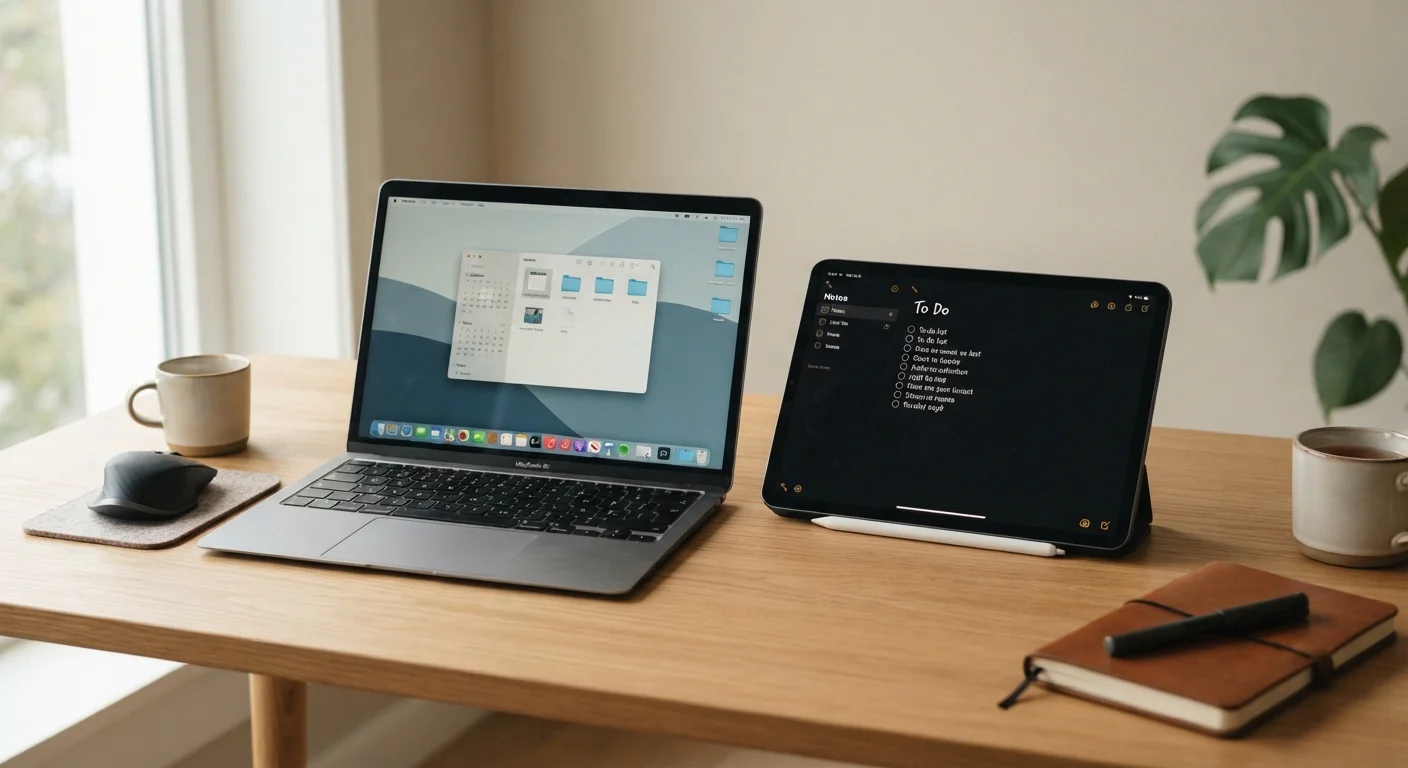
Neither tablets nor laptops are universally better — they're designed around different working styles. Laptops remain the stronger choice for sustained, complex work, while tablets shine for portability, focused tasks, and casual use. The right answer depends entirely on how and where you actually work.
| Best for | Recommended |
|---|---|
| Heavy document editing, coding, or multi-tasking professionals | Laptop |
| Students, travelers, and readers who prioritize portability | Tablet |
| Creative tasks like sketching, annotating, or visual note-taking | Tablet |
| Anyone needing a reliable all-purpose daily driver | Laptop |
Why This Decision Is Harder Than It Used to Be
A few years ago, the tablet-versus-laptop question was fairly easy to answer: tablets were for consuming content, laptops were for getting work done. That line has blurred significantly. Tablets now support detachable keyboards and stylus input, while laptops have gotten thinner and lighter than ever. Some devices are marketed as doing both jobs.
But hardware convergence doesn't mean the tradeoffs have disappeared. Understanding what each device type actually does well — and where each falls short — helps you make a choice based on your real habits rather than spec-sheet ambitions. If you're also wondering how long either device should last you, our gadget lifespan guide breaks down typical device longevity and the habits that affect it.
Where Laptops Still Have the Edge
For most people who describe their work as "on a computer," a laptop remains the more capable tool. Here's why:
- Full desktop operating system: Whether Windows or macOS, a laptop runs the complete version of software — spreadsheets with full functionality, professional creative suites, and browser-based tools without mobile-version restrictions.
- Keyboard and trackpad: Built-in physical input is ergonomically optimized for extended typing and precise cursor control. Typing long documents, writing code, or switching between many open windows is significantly smoother.
- File management: Laptops treat files as first-class objects. Moving, organizing, or batch-processing files is intuitive in ways that tablet file systems still haven't fully matched.
- Multi-window multitasking: Running a research browser tab, a word processor, and a spreadsheet simultaneously — without compromise — is still the laptop's strength.
For workers who depend on productivity tools throughout the day, the laptop's software environment usually means fewer workarounds.
| Tablet | Laptop | |
|---|---|---|
| Portability | Lighter, easier to carry one-handed | Heavier, requires bag or case |
| Typing experience | Touchscreen or add-on keyboard | Built-in physical keyboard |
| Software depth | Mobile/tablet OS, app limitations | Full desktop OS, complete apps |
| Multitasking | Limited split-screen options | True multi-window workflow |
| Touch & stylus input | Native, optimized for touch | Limited or no touch support |
| Battery life | Often all-day or longer | Varies; typically 8–12 hours |
| File management | Simplified, app-siloed storage | Full folder-based file system |
Where Tablets Genuinely Win
Tablets aren't just smaller laptops — they offer real advantages in specific contexts that a clamshell design can't match.
- Portability and battery life: Tablets are lighter and often thinner than even ultrabook laptops. Many achieve all-day battery life with room to spare, making them ideal for travel, commutes, or working from varied locations.
- Touch and stylus input: If you annotate documents, sketch ideas, or take handwritten notes, a tablet with a stylus is a genuinely different experience — not just a laptop substitute.
- Media consumption and reading: Holding a tablet like a book or magazine is natural. Video calls, streaming, and reading long-form content feel more comfortable on a touchscreen held in hand.
- Focused, single-app use: For tasks like reviewing documents, following a recipe, or video calling family, the distraction-reduced tablet interface can actually be an asset.
Try Before You Commit to a Hybrid
If you're considering a tablet-with-keyboard as a laptop replacement, test your most-used apps in their tablet versions first. Many professional tools have stripped-down mobile editions that may not support the features you depend on. Spending time with the actual software — not just the hardware — is the most reliable way to gauge whether a tablet will truly cover your needs.
It's also worth thinking about apps. Some tools behave differently depending on the platform — our look at native apps vs. web apps explains how this affects performance and storage in practical terms.
The Hybrid Zone: Tablets With Keyboards
Tablets paired with detachable keyboards occupy a genuinely useful middle ground — but they don't erase the underlying differences. A tablet running a mobile operating system with a keyboard attached is still a tablet OS. That means app availability, file handling, and multitasking may not mirror what a full laptop offers.
That said, for lighter workloads — email, web browsing, video calls, note-taking — a keyboard-equipped tablet can cover the bases well. The question is whether your work ever pushes beyond that threshold. If you regularly need desktop-class software, hit the ceiling quickly. If your tasks stay within those limits, the hybrid approach can genuinely work.
Managing the apps on either device also matters over time. A cluttered device slows down and creates security gaps — our guide on auditing your apps offers a practical process for staying on top of it.
~53%
U.S. adults who own a tablet
According to Pew Research Center survey data, tablet ownership among American adults has held steady around this level in recent years.
2–3 lbs
Typical weight difference between tablets and ultrabooks
Most consumer tablets weigh under 1.5 lbs, while thin laptops generally start around 2.5–3 lbs, a meaningful difference for daily carrying.
How to Actually Decide
Skip the spec comparisons for a moment and ask yourself these practical questions:
- What software do I rely on daily? If it's browser-based or available as a mobile app, a tablet may work fine. If it's desktop-only professional software, a laptop is likely necessary.
- How much do I type? Long-form writers, coders, and heavy email users will be more comfortable on a laptop. Occasional typists may adapt to a tablet keyboard without friction.
- Where do I work? Desk-bound workers gain less from a tablet's portability advantages. Frequent travelers or people who work from many locations may find a tablet's lightness genuinely valuable.
- What's my secondary device? If you already own a smartphone that handles quick tasks, a laptop as your primary device covers more ground. If you have a desktop at home, a tablet as a mobile companion makes more sense.
For a broader look at device categories and how they fit together in everyday life, the Apps & Software hub is a useful starting point.
The content on this site is for informational purposes only and is not a substitute for professional advice. Always consult a qualified professional for guidance specific to your situation.