

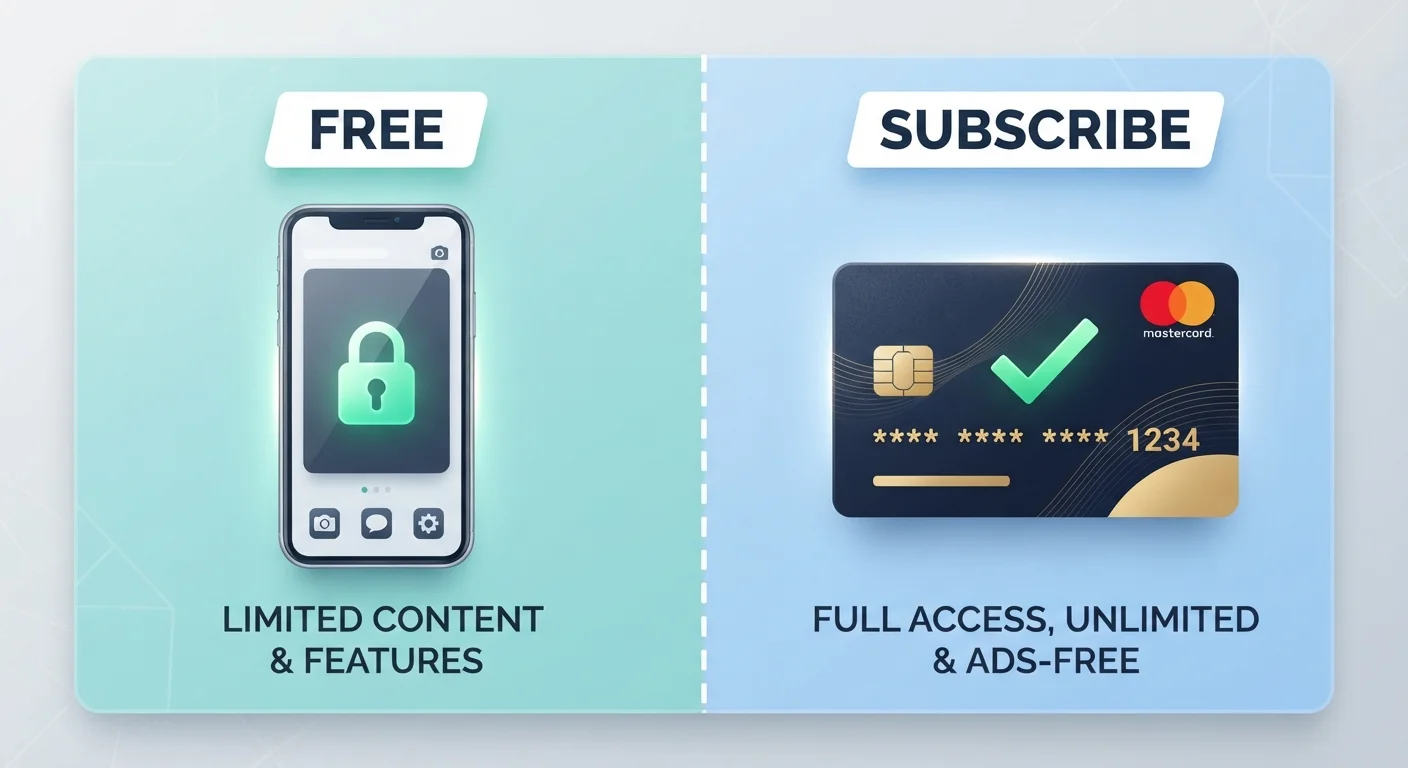
Option A
Freemium Apps
The 'free to start' model with optional paid upgrades.
Best for: Casual users who want to try an app before committing any money, or who can genuinely get value from the free tier alone.
Option B
Subscription Apps
The all-access model funded by a recurring fee.
Best for: Regular users who need full, uninterrupted functionality and prefer predictable costs over piecemeal purchases.
How Each Pricing Model Actually Works
The word freemium blends 'free' and 'premium' — and that tension is the whole point. You download the app at no charge, access a baseline set of features, and are periodically prompted to unlock more by paying. Revenue comes from the fraction of users who convert, plus advertising shown to those who don't, and in many cases, from aggregated user data sold or shared with third parties. See our guide to privacy trade-offs in free apps for a detailed breakdown of how that data pipeline works.
A subscription model is more straightforward: you pay a fixed recurring fee — monthly or annually — and receive access to the full product. The developer's incentive is to keep you satisfied enough to renew, which often translates to more consistent updates and responsive support.
| Criterion | Freemium Apps | Subscription Apps |
|---|---|---|
| Upfront cost | $0 to download | Recurring fee required |
| Feature access | Partial; upgrades cost extra | Full access included |
| Advertising | Common on free tier | Typically ad-free |
| Data monetization risk | Higher — data funds the model | Lower — fees fund the model |
| Predictable spending | No — in-app purchases vary | Yes — fixed recurring cost |
| Cancellation flexibility | Always free to stay on free tier | Can cancel at renewal date |
| Best value scenario | Occasional or casual use | Daily or professional use |
The Hidden Costs of 'Free'
Freemium isn't free in any absolute sense. The costs just arrive in non-obvious forms:
- Advertising: Banner ads, video interruptions, and sponsored content are the most visible cost. They consume your time and attention.
- Data collection: Many free apps collect behavioral data — what you tap, when you use it, your location — to build an advertising profile. Our article on what app permissions actually mean explains what access you're granting when you tap 'Allow.'
- In-app purchases: Games and productivity tools alike use friction — locked levels, usage caps, watermarks — to push users toward one-time purchases that can quickly exceed the cost of a subscription.
- Feature degradation: Some apps progressively restrict previously free features over time, effectively forcing an upgrade decision.
Free Doesn't Always Mean Data-Hungry
Not every freemium app aggressively monetizes user data. Open-source apps, nonprofit-backed tools, and apps with donor-supported models often operate on free tiers without significant data harvesting. Check the app's privacy policy — specifically the 'data shared with third parties' section — before assuming the worst. The privacy trade-offs of free apps and online services article explains what to look for in those disclosures.
Understanding these cost structures matters especially if you track a budget. For broader context on evaluating digital tools against their real-world price, our comparison of spreadsheets vs. budgeting apps walks through a similar tradeoff analysis.
Subscription Fatigue Is Real — Here's How to Stay in Control
The main risk with subscription apps isn't the price of any single one — it's accumulation. A $4.99 note-taking app, a $7.99 meditation app, and a $12.99 storage app add up to over $300 a year before you've noticed. This is sometimes called subscription fatigue, and it affects many consumers across app categories.
2.8%
Average freemium-to-paid conversion rate
Industry analyses consistently show that fewer than 5% of freemium users typically convert to paid tiers, meaning the model depends heavily on volume and ad revenue.
$240+
Estimated average annual app subscription spend per user
Consumer spending reports from app store operators indicate average per-user subscription expenditure has grown steadily as app ecosystems expand.
To stay in control, consider auditing your active subscriptions quarterly. Most smartphone operating systems (iOS and Android) have a dedicated subscriptions manager in account settings, showing renewal dates and charges in one place. Cancel anything you haven't used in the past 30 days. If a freemium tier genuinely meets your needs, there's no obligation to upgrade — the pressure to do so is a design choice by the developer, not a technical requirement. For a broader view of managing recurring digital expenses, the Budgeting Basics hub offers practical frameworks that apply directly to app spending.
The content on this site is for informational purposes only and is not a substitute for professional advice. Always consult a qualified professional for guidance specific to your situation.