

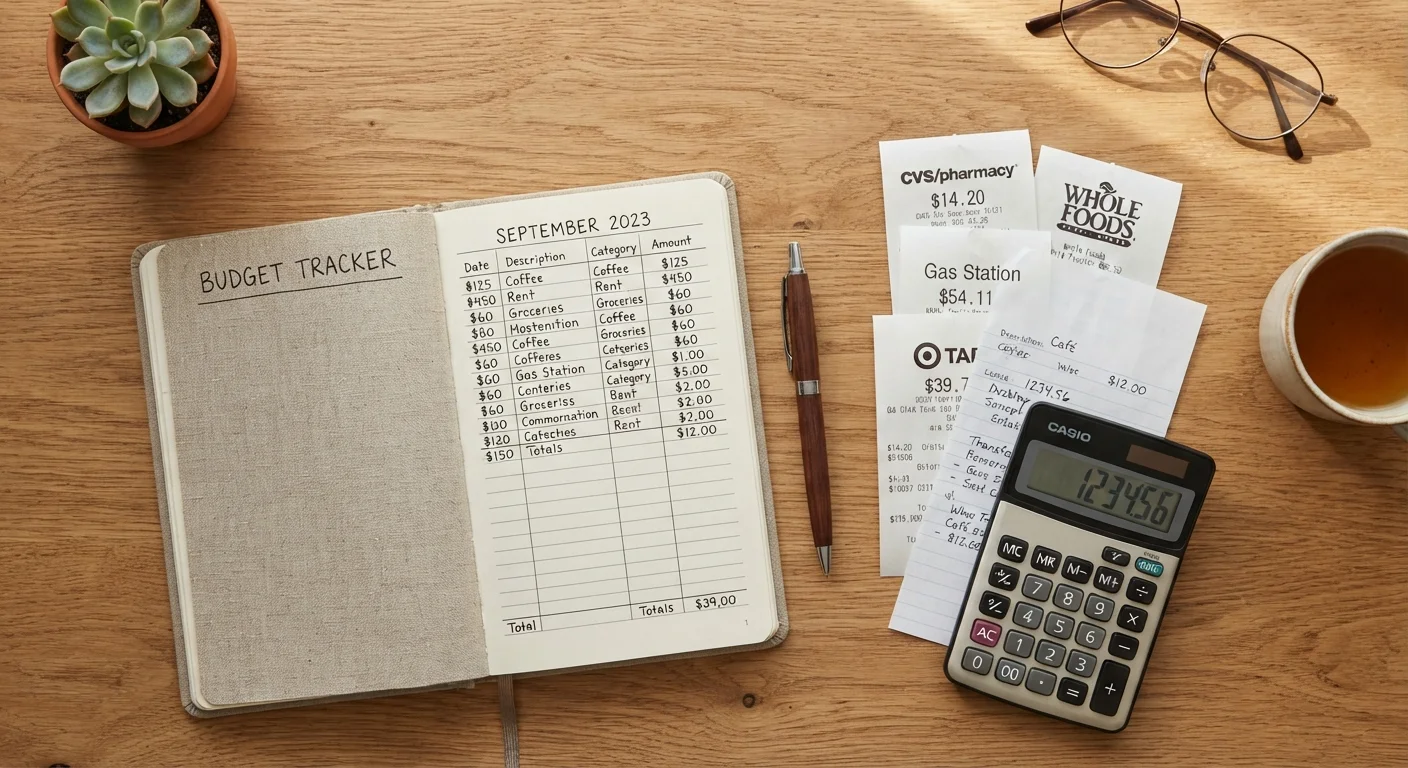
Why Manual Tracking Still Works
Digital budgeting tools are widely available, yet research consistently finds that most people abandon them within weeks. The friction of syncing accounts, categorizing transactions, and interpreting dashboards is often higher than it appears at download. Manual tracking eliminates that friction by design - the system is as simple or detailed as you make it.
There is also a cognitive benefit. Writing down a purchase by hand creates a moment of conscious awareness that tapping "sync" does not. That brief pause - recording what you spent, on what, and in which category - reinforces spending awareness in a way that passive automation cannot replicate. Why budgeting apps often fail users explores this dynamic in more depth.
Manual tracking also works well for people who have privacy concerns about granting financial apps access to their account data. Keeping your spending records in a physical notebook means your transaction history stays entirely within your control.
What you will need
How to Track Your Spending by Hand
The following steps outline a straightforward manual system that requires nothing more than a notebook and a pen. The entire setup takes under 30 minutes, and ongoing daily maintenance averages two to five minutes per day.
Dedicated spending notebook
Used to record every transaction by date, category, and amount throughout the day.
Pocket-sized index cards or receipt envelope
Captures receipts and quick jottings on the go before transferring to your main log.
Basic calculator
Totals spending by category at weekly or monthly review time without relying on a device.
Printed or hand-drawn category ledger
Provides a visual spending map, showing budgeted versus actual amounts per category.
Set up your spending categories
Before logging a single dollar, decide which spending buckets matter to you. Common categories include housing, groceries, transportation, dining out, utilities, healthcare, personal care, and entertainment. Keep the list between five and ten categories - too many makes review tedious, too few hides meaningful patterns.
Write each category heading on a dedicated page or column in your notebook. See how to organize spending buckets for a practical system if you are unsure where to start.
Establish your income baseline
Write down your total take-home income for the month - after taxes and deductions. If your income varies, use a conservative average based on the last three months. This number anchors every spending decision you make and defines your realistic budget ceiling.
Log every transaction the same day
Each time you spend - whether by card, cash, or automatic payment - record the date, the amount, a brief description, and the relevant category. This takes roughly 30 seconds per entry. Carry a small index card or keep your notebook accessible so there is no friction between the transaction and the log.
For automatic payments like subscriptions or utilities, schedule a weekly check of your bank statement to catch anything you may have missed during the week.
Conduct a weekly category tally
Once a week - the same day each week works best - total your spending in each category. Write the running subtotal next to each category heading. Compare it against your intended monthly budget for that category, prorated by week. This early-warning check prevents overspending surprises at month's end.
Close out and review each month
On the last day of each month, total each category, then add all categories together. Compare your actual spending to your starting income baseline. Note which categories exceeded your plan, which came in under, and - most importantly - what drove any significant variance.
Write two or three brief observations in plain language: what worked, what surprised you, and one adjustment to make next month. This monthly narrative is more useful than a perfect spreadsheet that gets abandoned. For those weighing whether a digital tool might complement this process, comparing spreadsheets and budgeting apps is worth reading.
Consistency Beats Precision
A tracking system you use imperfectly every day is far more valuable than a perfect system you abandon after two weeks. If you miss a day, simply resume the next day without trying to reconstruct missing entries. Progress, not perfection, is the goal.
Making the System Stick
The most common reason manual tracking fails is inconsistency, not complexity. A few structural habits reduce that risk significantly.
- Keep your notebook visible. A tracking notebook stored in a drawer is easy to forget. On a desk or kitchen counter, it becomes a daily habit anchor.
- Pair logging with an existing routine. Recording the day's spending after dinner, or during a morning coffee, attaches the new habit to something already established.
- Review, do not judge. Monthly reviews are most useful when approached with curiosity rather than self-criticism. Noticing patterns is the point - not punishing yourself for imperfect weeks.
For those interested in comparing this approach against digital alternatives, weighing spreadsheets against budgeting apps covers the tradeoffs in detail. And if your interest in reducing app reliance extends beyond finances, auditing the apps on your devices offers a practical framework.
Financial App Privacy Is a Real Concern
Many budgeting apps require read access to your bank accounts and transaction history. If data privacy is part of why you are choosing a manual approach, that is a well-founded reason. For more on what financial and other apps collect, see what personal data apps share.
This Is General Financial Information
The methods described here are general budgeting education, not personalized financial advice. Every individual's financial situation is different. For guidance on debt, savings goals, or significant financial decisions, consult a qualified, licensed financial professional.
This article is for general informational and educational purposes only and does not constitute personalized financial advice. Consult a licensed financial professional for guidance specific to your circumstances.
The content on this site is for informational purposes only and is not a substitute for professional advice. Always consult a qualified professional for guidance specific to your situation.