

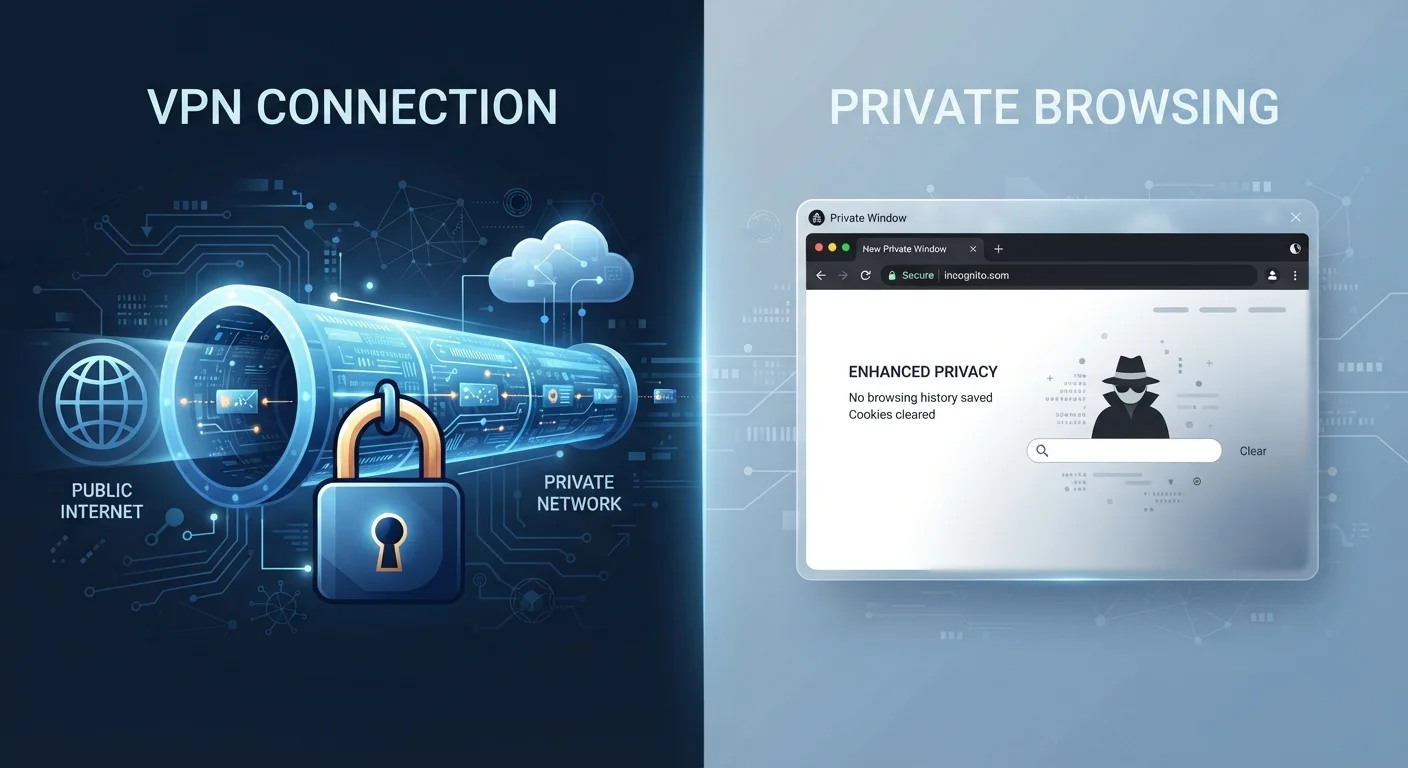
Option A
VPN (Virtual Private Network)
The network-level privacy shield for your internet connection.
Best for: Anyone who wants to hide their internet activity from their internet provider, employer, or others on the same network.
Option B
Private Browsing Mode
The on-device session cleaner that leaves no local trace.
Best for: Anyone who wants to prevent their browser history, cookies, and form data from being saved on a shared or personal device.
The Core Difference: Where Each Tool Works
Private browsing mode — called Incognito in Chrome, Private Window in Firefox and Safari — operates entirely on your device. When you close a private session, your browser discards the history, cookies, search entries, and temporary files from that session. That's it. Nothing about your actual internet connection changes.
A VPN, by contrast, works at the network level. It routes your internet traffic through an encrypted tunnel to a server operated by the VPN provider before that traffic reaches its destination. To websites and your internet service provider (ISP), your traffic appears to originate from the VPN server's IP address rather than your own.
Think of it this way: private browsing mode is like asking a librarian not to write down which books you looked at. A VPN is more like reading those books from a different building entirely, so no one can see you enter the library in the first place. As noted in common online privacy misconceptions, many people assume private browsing provides far more protection than it actually does.
| Criterion | VPN | Private Browsing Mode |
|---|---|---|
| Hides activity from ISP | Yes | No |
| Encrypts internet traffic | Yes | No |
| Masks your IP address | Yes | No |
| Clears local browsing history | No | Yes |
| Removes cookies after session | No | Yes |
| Protects on public Wi-Fi | Yes | No |
| Requires additional software | Yes | No (built into browsers) |
| Prevents all online tracking | No | No |
What Each One Actually Protects — and What It Doesn't
Private browsing mode protects: your browser history on that device, cookies and site data from that session, information entered into forms, and temporary files cached during browsing.
Private browsing mode does NOT protect against: your ISP seeing which sites you visit, your employer or school network administrator monitoring your activity, websites tracking your IP address, or anyone with access to your device at the operating system level.
A VPN protects: your IP address from websites you visit, your traffic from your ISP, and your data from interception on unsecured networks like public Wi-Fi. This is particularly relevant to the risks described in why public Wi-Fi is riskier than it looks.
A VPN does NOT protect against: tracking via browser cookies or fingerprinting once you're logged into a website, malware on your device, or your VPN provider itself — which can still see your traffic and retains logs depending on its policies. It also does nothing to clear your on-device browsing history.
No Tool Guarantees Full Anonymity
Even with a VPN active, websites can still identify you through browser fingerprinting, login sessions, and tracking pixels embedded in pages and emails. A VPN changes your visible IP address, but it doesn't prevent a website from recognizing your account once you sign in. True anonymity online is extremely difficult to achieve, and neither of these tools is designed to provide it. Think of them as meaningful risk reducers, not invisibility cloaks.
When to Use Each — and When to Use Both
Private browsing is the right move when you're logging into a personal account on someone else's computer, buying a gift on a shared device, or simply want a clean cookie-free session. It's a tool for managing what's stored locally, not for hiding what you're doing online.
A VPN is worth using when you connect to networks you don't control — hotel Wi-Fi, coffee shops, airports — or when you'd prefer that your ISP not have a record of the sites you visit. It can also be useful when traveling and accessing services that behave differently based on your apparent location.
For the most thorough approach, use both at the same time. A VPN handles the network side; private browsing handles the on-device side. Together they reduce the most common everyday privacy exposures, though neither creates true anonymity. For a broader look at privacy trade-offs that go beyond browsing tools, see the privacy trade-offs of free apps and online services. And if you're thinking holistically about browser security, it's also worth reviewing how your browser handles saved credentials — a subject covered in our look at password managers versus browser-saved passwords.
85%
Users who misunderstand Incognito mode
A study published in the Proceedings of the ACM on Human-Computer Interaction found that a large majority of participants held misconceptions about what private browsing actually prevents.
~33%
U.S. internet users who have used a VPN
Survey data from GlobalWebIndex has consistently shown that roughly one in three American internet users report using a VPN at least occasionally.
The content on this site is for informational purposes only and is not a substitute for professional advice. Always consult a qualified professional for guidance specific to your situation.