

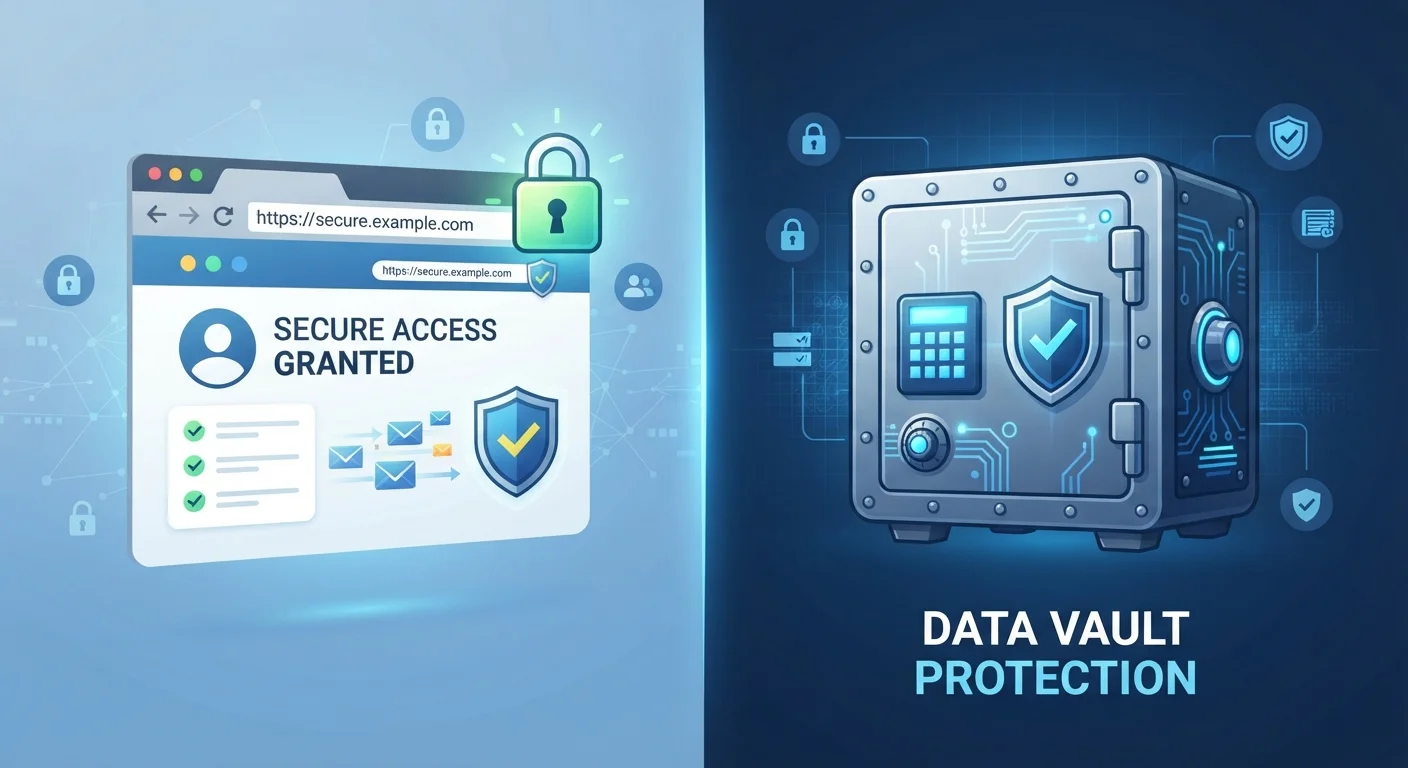
Option A
Dedicated Password Manager
The security-first approach to credential storage.
Best for: Anyone who wants strong, encrypted, cross-platform password protection with advanced security features.
Option B
Browser-Saved Passwords
The convenient built-in option most people already use.
Best for: Users who prioritize quick, frictionless login within a single browser ecosystem.
What Each Option Actually Does
When you click "Save password" in Chrome, Safari, Firefox, or Edge, the browser stores that credential locally — usually encrypted with your operating system's built-in keychain — and autofills it when you return to that site. It's seamless precisely because it's baked into software you're already using.
A dedicated password manager is a separate application — or browser extension — built specifically for storing credentials. It maintains its own encrypted vault, protected by a master password you control. Crucially, that vault syncs across all your devices and works regardless of which browser you happen to be using.
Both tools autofill usernames and passwords, and both can suggest new passwords. The meaningful differences emerge when you look at encryption depth, portability, and what happens when something goes wrong. For a broader look at everyday digital security habits, see device security practices worth building.
| Criterion | Password Manager | Browser-Saved Passwords |
|---|---|---|
| Encryption model | Independent end-to-end encryption | Tied to browser/OS account |
| Cross-browser support | Works in any browser | Single browser ecosystem |
| Cross-device sync | All platforms supported | Limited to browser's ecosystem |
| Breach monitoring | Built-in alerts common | Minimal or absent |
| Password generation | Strong, fully customizable | Basic suggestions only |
| Password health audit | Yes — flags weak/reused | Limited in most browsers |
| Setup effort | Requires installation/setup | Zero — already built in |
| Risk if account compromised | Vault still independently encrypted | All passwords potentially exposed |
Security: Where the Real Gap Lies
Browser-saved passwords are encrypted, but their security is fundamentally tied to your browser account login. If someone gains access to your Google or Microsoft account — or your device — they can often export every stored password in seconds. Most browsers also don't alert you when a saved password appears in a known data breach.
Dedicated password managers encrypt your vault with end-to-end encryption, meaning even the company running the service cannot read your credentials. Many also run continuous breach monitoring, flagging compromised or reused passwords proactively.
80%+
Data breaches involving weak or stolen passwords
Verizon's Data Breach Investigations Report has consistently attributed the majority of breaches to compromised credentials over multiple years.
~50%
People who reuse passwords across multiple sites
Security surveys regularly find that roughly half of users reuse the same password on more than one account, multiplying breach risk.
Password managers also push users toward better habits by making it easy to generate long, randomized, unique passwords for every account — which is the single most effective way to limit damage if one account is breached. Pairing either option with two-factor authentication adds another layer; our guide to two-factor authentication explains how each type works.
Convenience, Portability, and Everyday Use
Browser-saved passwords win on raw convenience — there's nothing to install, no extra step, and autofill just works. The limitation is portability. Your Chrome-saved passwords don't follow you into Firefox, and Safari's iCloud Keychain is tightly bound to Apple devices. If you switch browsers or use multiple devices on different platforms, access becomes inconsistent.
Dedicated password managers are browser-agnostic. An extension sits inside whichever browser you open, and the vault is the same whether you're on a Windows laptop, an Android phone, or a borrowed Mac.
What About iCloud Keychain and Google Password Manager?
Apple's iCloud Keychain and Google's built-in Password Manager are more capable than older browser storage — both offer breach alerts and cross-device sync within their ecosystems. However, they remain tied to a single platform (Apple or Google), which limits flexibility. They're a step up from basic browser saving, but still fall short of a fully independent password manager for users who cross between platforms or browsers.
If you're new to the dedicated manager model and wondering what setup actually looks like, our practical introduction to password managers walks through the process step by step. And when you're ready to review everything holistically, an annual digital security audit checklist can help you confirm your credentials are in good shape.
The content on this site is for informational purposes only and is not a substitute for professional advice. Always consult a qualified professional for guidance specific to your situation.