

The Data Trail You Leave Without Trying
Most people think of privacy as protecting passwords or avoiding sketchy websites. But a significant amount of personal data is collected through completely ordinary digital activity — scrolling social media, using a weather app, or simply having a smartphone in your pocket. The collection is often invisible, buried in terms of service that few people read in full.
Understanding what's actually being gathered — and how — is the first step toward making more informed choices. This isn't about fear; it's about awareness. The items below cover the most common ways personal data leaves your devices without most people realizing it. For a deeper look at how free services are structured around this exchange, see how free apps and online services trade your data.
App permissions that go beyond the app's purpose
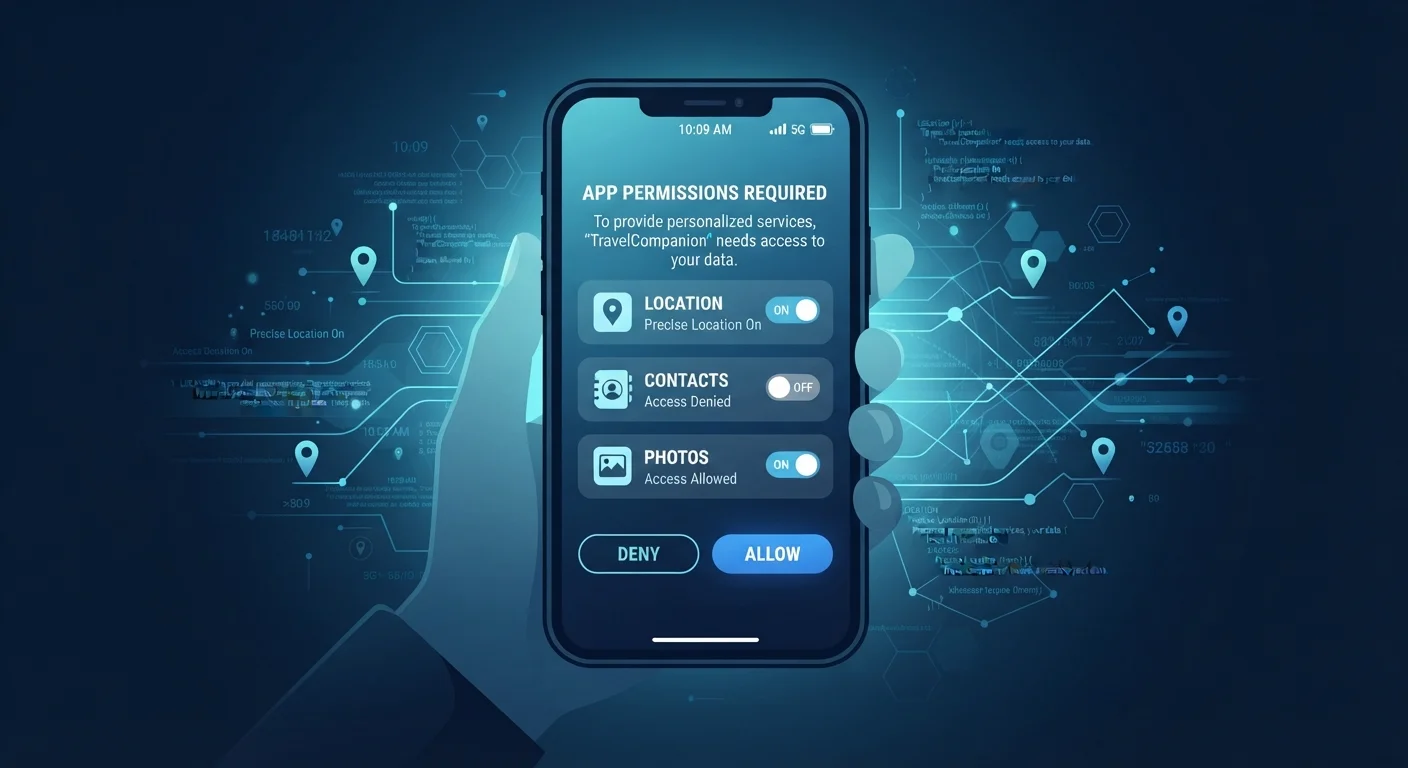
When you install an app, it may request access to your microphone, contacts, camera, or precise location — even when those permissions have no obvious connection to what the app actually does. A flashlight app doesn't need your location. A recipe app doesn't need your contacts list. These permissions are sometimes used to build behavioral profiles or share data with third-party advertising networks.
The fix is straightforward: periodically open your phone's settings and review which apps have which permissions. On both iOS and Android, you can revoke access individually without deleting the app. For a closer look at how this plays out specifically with free apps, the privacy trade-offs built into free apps breaks down the mechanics.
A flashlight app doesn't need your location — unnecessary permissions are a signal worth investigating.
Precise location data from background app activity
Many apps track your location not just when you're actively using them, but continuously in the background. Over time, this data can reveal where you live, where you work, which medical offices or places of worship you visit, and when you travel. This granular location history is valuable to data brokers and advertisers, and it's often shared or sold.
Check whether apps are set to "Always" or "Only While Using" for location access. Choosing "Only While Using" or disabling location entirely for apps that don't genuinely need it limits how much continuous tracking occurs. Your smartwatch may be contributing to this picture as well — your smartwatch collects more location and health data than most people realize.
Location history collected over weeks can reveal your home, workplace, and personal routines.
Browser fingerprinting
Even without cookies, websites can identify and track you using a technique called browser fingerprinting. Your browser automatically shares information like your screen resolution, installed fonts, browser version, time zone, and graphics hardware. Combined, these data points form a near-unique identifier — one that persists even if you clear your cookies or use a private browsing window.
Browser fingerprinting is legal, widely used, and largely invisible to the average user. Privacy-focused browsers and certain extensions can reduce — though not entirely eliminate — its effectiveness. Understanding this undermines a common assumption: that private mode equals private browsing.
Private browsing doesn't stop fingerprinting — your browser's technical profile remains visible to websites.
Metadata embedded in photos and documents
Every photo taken on a smartphone typically includes metadata — technically called EXIF data — that records the date, time, device model, and often the precise GPS coordinates of where the photo was taken. When you share that image directly from your phone, this data travels with it. Similarly, documents created in word processors or spreadsheets can embed the author's name, organization, and edit history.
Social media platforms generally strip photo metadata before displaying images publicly, but sharing photos directly via messaging apps, email, or file transfers often preserves it. Tools exist to view and remove metadata before sharing, particularly if you're sending files professionally or publicly.
A photo shared by email can silently reveal the exact location where it was taken.
Health and fitness app data
Fitness trackers and symptom-logging apps handle sensitive information — heart rate, sleep patterns, menstrual cycles, mental health notes — that most people would consider deeply private. Unlike data held by healthcare providers, much of this information is not protected by HIPAA, meaning it can legally be used for advertising, sold to data brokers, or handed over in legal proceedings under certain conditions.
Before using a health app, reviewing its privacy policy — specifically how it handles sensitive data and whether it shares with third parties — is worth the time. health tracking apps and medical data protections covers this distinction in practical detail.
Health app data often lacks the legal protections that apply to information held by your doctor.
Social media activity signals beyond your posts
What you post publicly is only part of what social media platforms collect. Platforms also log what you pause on while scrolling, how long you view a piece of content, what you hover over but don't click, and which ads you see versus skip. This behavioral data — separate from anything you've explicitly shared — is used to infer interests, political leanings, emotional state, and purchasing intent.
Even content you delete may be retained in platform databases. And information you share in moments that feel personal — milestone posts, travel check-ins, relationship updates — can be used in ways that aren't immediately obvious. oversharing on social media and its privacy costs explores how public information gets applied beyond what most users anticipate.
Platforms track what you pause on and scroll past — not just what you actively post or click.
Small Adjustments, Meaningful Difference
None of this requires becoming a privacy expert or abandoning the digital tools you rely on. Auditing your app permissions once every few months, being selective about location access, and understanding what metadata travels with your files are practical habits that meaningfully reduce your data footprint.
Start with a Permission Audit
Set a recurring reminder — quarterly works well — to open your phone's privacy or app settings and review what each app can access. Look specifically at location, microphone, camera, and contacts. Revoking unnecessary permissions takes under a minute per app and is one of the most direct ways to limit background data collection without changing how you use your devices.
If you're also concerned about risks on shared networks, public Wi-Fi carries its own set of exposure risks worth understanding. And for a broader look at what many people get wrong about digital privacy, common online privacy misconceptions is a useful follow-up read.
The content on this site is for informational purposes only and is not a substitute for professional advice. Always consult a qualified professional for guidance specific to your situation.